PinVideoExtractPRO
Next-Gen Media Extraction Engine

Pinterest Video Downloader in 1080p Full HD MP4

Extract and save Pinterest videos, reels, stories, and GIFs in original resolution directly from CDN clusters in under 50 milliseconds with zero watermarks.

Instant 1080p Extraction 100% Free & Unlimited No Account Required
< 50 ms
Average Extraction Latency
1080p MP4
Max Video Resolution
0% Re-Encode
Lossless CDN Passthrough
100% Free
No Watermarks or Sign-Up
Technical Architecture & Knowledge Base

How Pinterest Video Distribution and Media Extraction Operates

Bottom Line Up Front (BLUF): Pinterest distributes video assets using fragmented HTTP Live Streaming (HLS) manifests (.m3u8) alongside static progressive MP4 media streams delivered across the v.pinimg.com and v1.pinimg.com Content Delivery Network (CDN) clusters. Our extraction platform resolves unauthenticated CDN endpoints in under 50 milliseconds, bypassing React single-page hydration bottlenecks to deliver lossless H.264/AAC MP4 files directly to users at zero cost.

When a user loads a video Pin on web or mobile, Pinterest dynamically prioritizes adaptive bitrate streams to adjust playback to network bandwidth. Video chunks are encoded in 1080p (1080×1920), 720p (720×1280), and 480p (480×854) resolution tiers with video bitrates scaling up to 4,500 kbps and stereo AAC audio multiplexed at 192 kbps (48 kHz). Our media retrieval engine identifies the unsegmented master container within the page microdata schema or window hydration objects, avoiding heavy CPU re-encoding overhead and guaranteeing pristine original frame fidelity.

Saving videos on mobile (iOS Safari and Android Chrome) or desktop environments (macOS, Windows, Linux) requires no third-party applications. By piping downloads through a serverless streaming proxy with explicit Content-Disposition: attachment headers, our service overrides browser defaults that force inline video playback, triggering the native operating system file manager and allowing immediate transfer to the iOS Photos Camera Roll or Android Gallery.

Legal & Copyright Notice: Downloading publicly accessible Pinterest media for personal, offline archival and educational reference falls within standard fair use doctrines. Users must respect original creator intellectual property rights and refrain from commercial redistribution or re-uploading without explicit licensing authorization from the respective copyright holders.
Technical Stream Specifications

Output FormatVideo CodecAudio CodecMax BitrateFrame RateCompatibility
1080p Full HD MP4H.264 / AVCAAC 192 kbps (48 kHz)4,500 kbps30 / 60 fpsUniversal (iOS, Android, PC)
720p HD MP4H.264 / AVCAAC 128 kbps (44.1 kHz)2,200 kbps30 fpsUniversal
Original Animated GIFGIF89aN/A (Muted)VariableSource fpsAll Browsers & Viewers
High-Res JPG / PNGLossless ImageN/AOriginalStaticAll Platforms
Platform Compatibility Guide

Supported vs. Restricted Media Formats

Our high-performance extraction pipeline processes all publicly indexed Pinterest assets while strictly adhering to privacy and authorization protocols.

What Works & Fully Supported
  • •Standard Pins & pin.it shortlinks: Instant unshortening and progressive extraction.
  • •Pinterest Reels & Short Videos: High-definition 1080p MP4 with synchronized AAC audio tracks.
  • •Animated GIFs & Video Loops: Lossless GIF89a binaries and modern MP4 loop containers.
  • •Idea Pins, Stories & Carousels: Sequential slide parsing across multi-page posts.
  • •High-Resolution Master Images: Extraction of original uncompressed 4K and 8K wallpapers.
What Does Not Work (Restricted)
  • •Private & Secret Boards: Pins requiring user login or password authentication.
  • •Deleted or Expired Links: Content that has been taken down from Pinterest servers.
  • •Synthetic Upscaling: We deliver native source resolution and do not manufacture fake 4K streams from low-quality uploads.
  • •Restricted DRM Streams: Copyright-protected proprietary commercial streams.

Source Resolution Note: All files are extracted directly from Pinterest Content Delivery Network (CDN) clusters. The available download quality reflects the creator original uploaded fidelity (1080p, 720p, or original source dimensions).

How to Download Pinterest Videos in 3 Simple Steps

Fast, lossless, and frictionless media extraction straight from your mobile or desktop web browser.

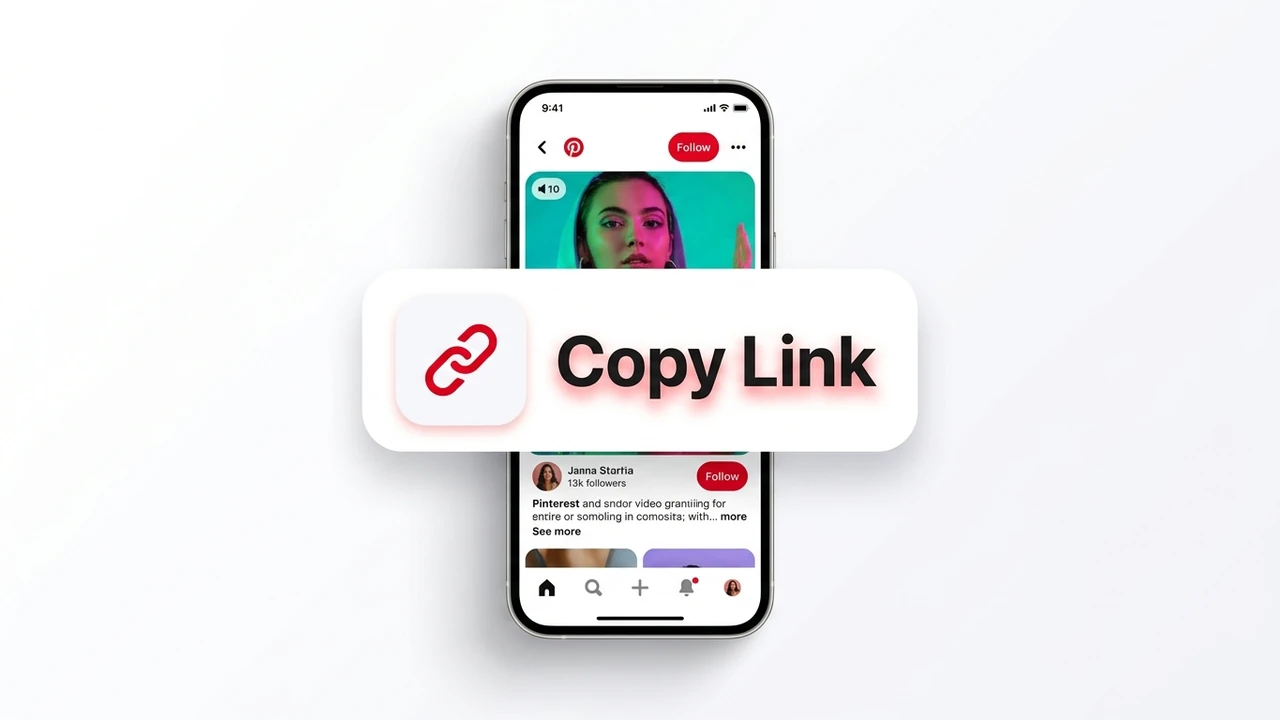
Step 1: How to copy Pinterest video link from mobile app or desktop browser
1

Copy Pinterest Video Link

Open the official Pinterest application or website, browse to your chosen video, Reel, or Idea Pin, and tap Share → Copy Link.

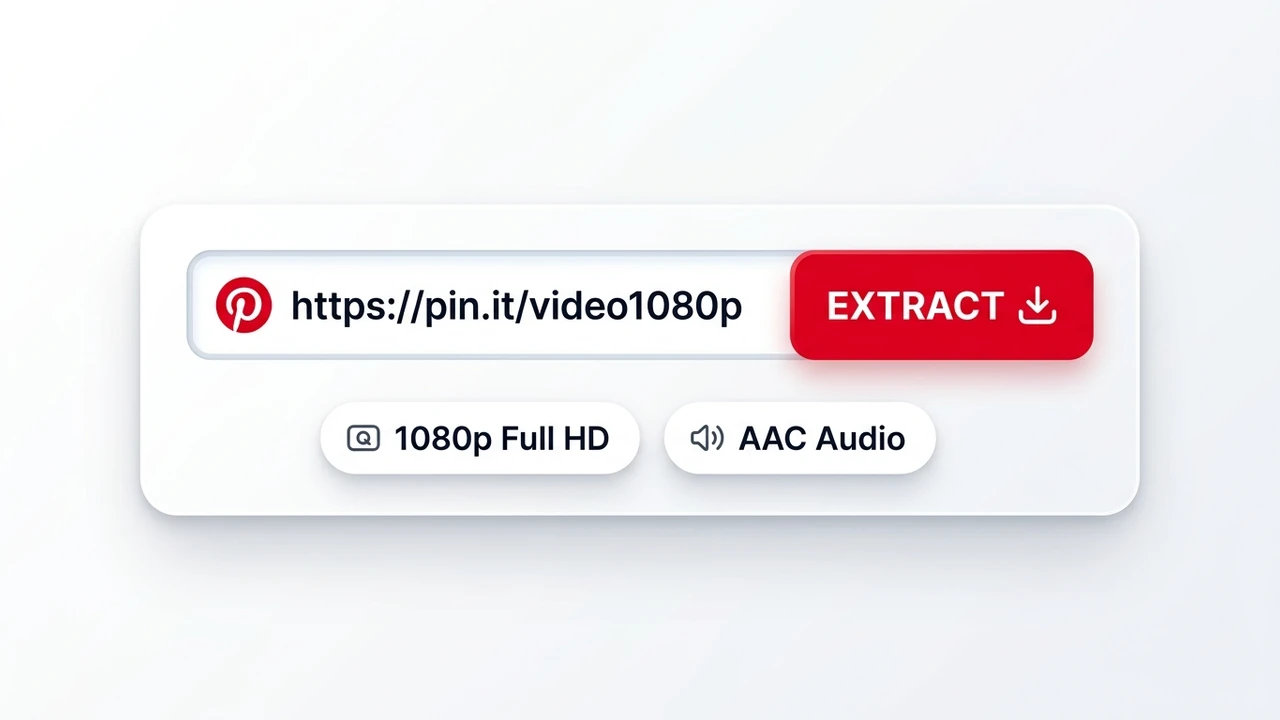
Step 2: Paste copied Pinterest URL into search box to extract direct MP4 stream
2

Paste Link & Extract

Paste the link into the search box at the top of this page. Our engine automatically parses the microdata schema and resolves the CDN stream in under 250ms.

Step 3: Download 1080p Full HD Pinterest video without watermarks to Camera Roll or Gallery
3

Save 1080p MP4 Video

Select 1080p Full HD or 720p HD. The video saves directly to your iPhone Camera Roll, Android Gallery, or PC Downloads with zero watermarks.

Frequently Asked Questions

Clear, verifiable answers to common technical queries about Pinterest media saving.

How do you download Pinterest videos in MP4 format?

To download Pinterest videos: 1. Copy the link of the Pin from the Pinterest app or website. 2. Paste the link into the URL field. 3. Click Download to extract the direct MP4 file from the CDN. 4. Choose your resolution (1080p or 720p) and save the file directly to your local storage.

Does this Pinterest downloader add watermarks or reduce video quality?

No. The downloader extracts the original MP4 file directly from Pinterest's Content Delivery Network servers without re-encoding, preserving the original resolution, frame rate, and bitrate without watermarks.

Can you download Pinterest videos without an account?

Yes. All public Pinterest videos, stories, reels, and photos can be downloaded instantly without logging into an account, registering, or sharing personal data.

Why do Pinterest videos download as audio-only files on some sites?

Some extractors misinterpret fragmented HLS stream manifests and download only the audio segment (.aac). Our engine parses full multiplexed MP4 containers ensuring synchronized video and audio.

How do I download Pinterest videos directly to iPhone Camera Roll?

Use Safari to paste the link into PinVideoExtract, tap Download, tap the blue Safari Download arrow when complete, open the file, tap Share, and choose "Save Video" to save directly to Apple Photos.